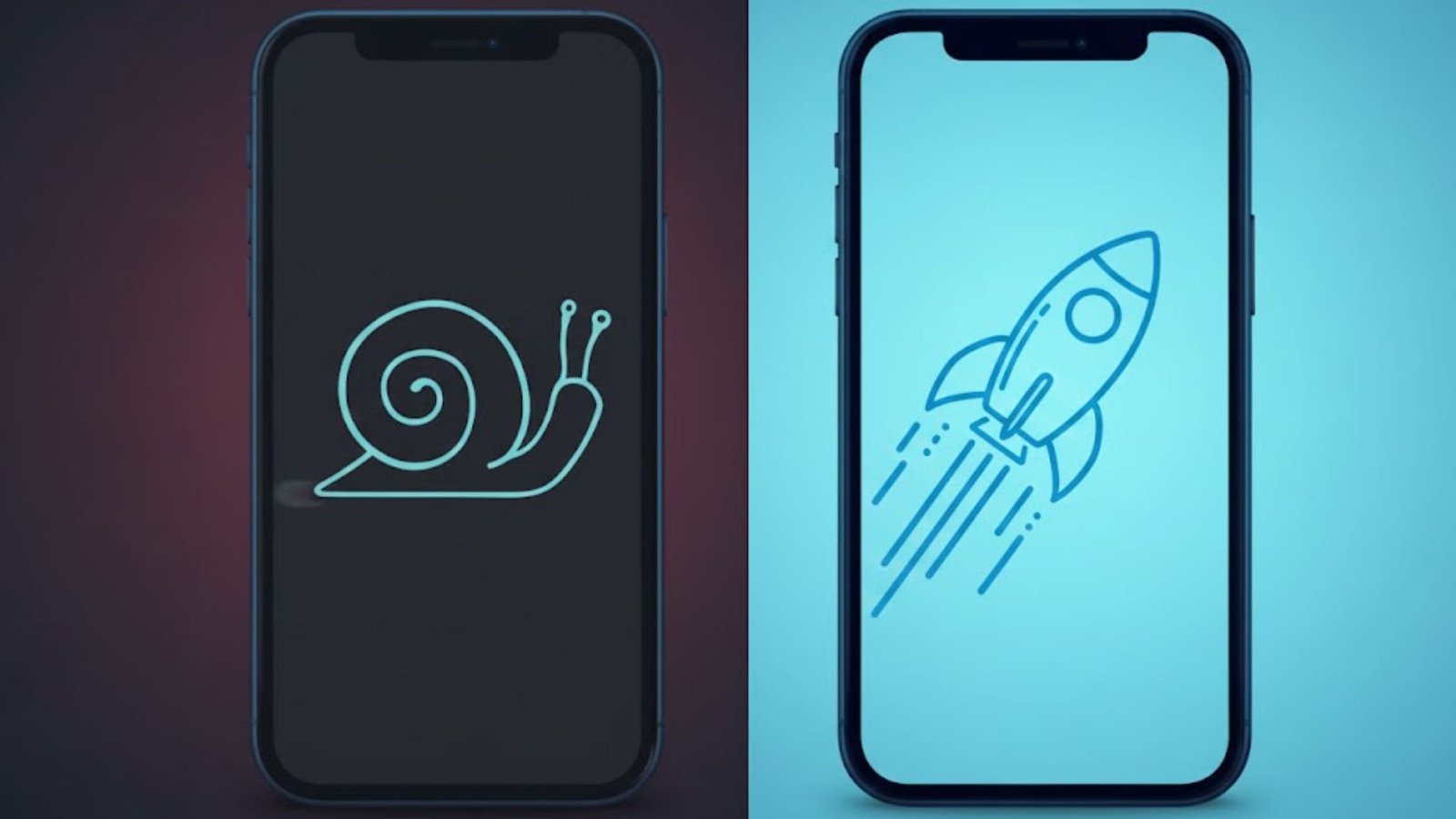
Speed up a slow phone is one of the most common searches among smartphone users today, especially in Egypt where people rely heavily on their phones for work, business, payments, navigation, and social media. When a phone starts lagging, freezing, or taking too long to open apps, it affects daily life in a very real way.
The good news is that a slow phone does not always mean you need to buy a new one. In most cases, performance issues are caused by storage overload, background processes, outdated software, or settings that quietly drain resources. This guide explains how to speed up a slow phone step by step, using practical solutions that work on Android and iPhone devices commonly used across Egypt.
Understanding the Real Intent Behind “Speed Up a Slow Phone”
When someone searches for speed up a slow phone, they are not looking for technical jargon or complicated instructions. They want clear answers to questions like:
- Why has my phone become slow?
- Can I fix it myself?
- Do I need an app, a setting change, or a repair?
- Is this problem common with my phone model?
This article focuses on real-world fixes that match that intent. No fluff, no exaggerated claims, just proven methods that improve phone performance in everyday use.

Why Phones Become Slow Over Time
Before trying to speed up a slow phone, it is important to understand what causes the slowdown.
Storage Almost Full
Many users in Egypt rely on WhatsApp, Facebook, Instagram, and TikTok. These apps store photos, videos, and cache files that silently fill storage. When internal storage is nearly full, the phone struggles to operate smoothly.
Too Many Apps Running in the Background
Apps continue working even when you are not actively using them. Messaging apps, location services, and social media constantly refresh in the background, consuming RAM and processing power.
Outdated Software
Old system versions often lack performance improvements and security patches. This is common on phones that have not been updated for a long time.
Battery Health Issues
On older phones, weak batteries can force the system to slow down to prevent sudden shutdowns. This is especially noticeable on iPhones and budget Android devices.
How to Speed Up a Slow Phone Without Replacing It
Clear Unnecessary Files and Free Storage
One of the fastest ways to speed up a slow phone is freeing storage space.
- Delete unused apps
- Remove duplicate photos and videos
- Clear WhatsApp media folders
- Empty the recycle bin or recently deleted folder
For Android users in Egypt, the built-in storage cleaner works well. iPhone users can use “iPhone Storage” to identify large files.
Aim to keep at least 20 percent of storage free for smooth performance.
Restart Your Phone Regularly
It sounds simple, but restarting your phone clears temporary files and stops background processes. Many users keep their phones on for weeks without restarting.
Restarting once or twice a week can noticeably speed up a slow phone.
Update the Operating System and Apps
System updates are not just about new features. They often fix bugs and improve speed.
- Check for Android or iOS updates
- Update all installed apps from the Play Store or App Store
In Egypt, where phones may run on older versions due to delayed updates, this step makes a real difference.
Adjust Settings to Speed Up a Slow Phone
Reduce animations and visual effects
Animations look nice, but they consume processing power.
On Android:
- Enable Developer Options
- Reduce animation scale to 0.5x or turn it off
On iPhone:
- Enable “Reduce Motion” from accessibility settings
- This small change can instantly make a slow phone feel faster.
Disable Background App Refresh
Background refresh allows apps to update content even when not in use.
- Turn it off for apps you do not need constantly updated
- Focus on social media, shopping, and game apps
This saves RAM and battery while helping speed up a slow phone.
Avoid Fake “Booster” Apps
Many users search for apps that claim to speed up a slow phone. Most of these apps:
- Consume more resources than they save
- Display ads constantly
- Collect unnecessary data
Modern Android and iOS systems manage memory automatically. Manual cleaning apps are rarely helpful and often harmful.
Stick to built-in tools and manual cleanup instead.
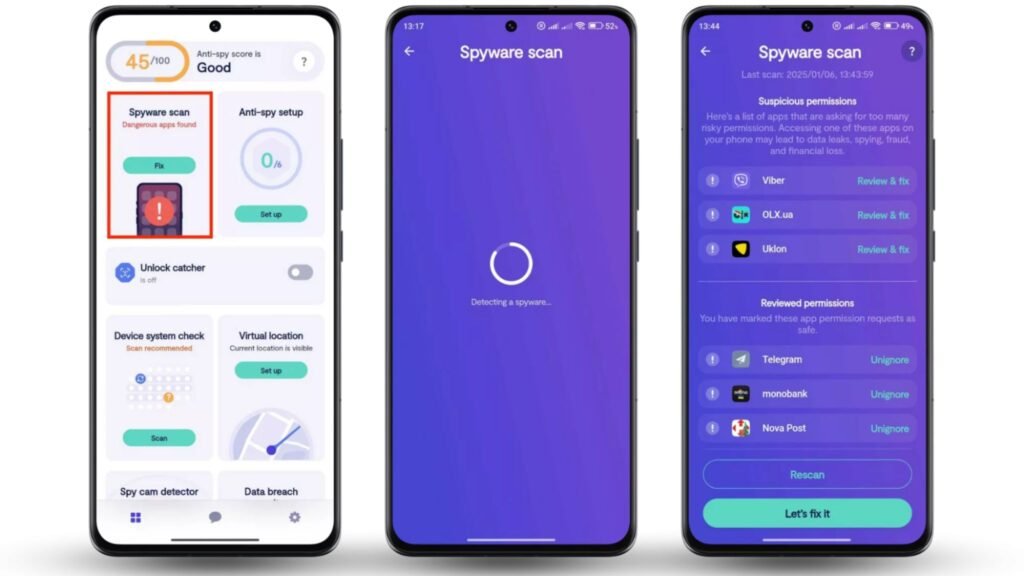
Check for Malware and Harmful Apps
While less common on official app stores, malware can still slow phones down.
Warning signs include:
- Excessive ads
- Phone heating without heavy use
- Sudden battery drain
Install apps only from trusted sources and remove any app that behaves suspiciously.
When a Factory Reset Makes Sense
If your phone remains slow after trying everything, a factory reset may help.
Before resetting:
- Back up photos, contacts, and important files
- Sign out of accounts
A fresh system removes years of accumulated clutter and can dramatically speed up a slow phone, especially on older devices widely used in Egypt.

Hardware Limitations You Cannot Ignore
Sometimes, the issue is not software.
Phones with:
- 2GB RAM or less
- Old processors
- Worn-out batteries
will struggle with modern apps. In such cases, performance improvements will be limited.
If your phone is more than five years old, upgrading may be the most practical long-term solution.
Tips to Keep Your Phone Fast Long Term
To avoid searching for speed up a slow phone again in the future, follow these habits:
- Install only necessary apps
- Clean storage monthly
- Keep software updated
- Restart the phone weekly
- Avoid overheating, especially in hot Egyptian weather
Consistency matters more than quick fixes.
Final Thoughts on How to Speed Up a Slow Phone
Learning how to speed up a slow phone is about understanding how your device works and treating it properly. Most slowdowns are gradual and preventable. With regular maintenance, smart settings, and realistic expectations, your phone can remain fast and reliable for years.
These steps are practical, safe, and proven to work for users across Egypt, whether you are using a budget Android phone or an older iPhone.