How to disable laptop keyboard is a common question when keys start typing on their own, stop responding, or get in the way during cleaning or gaming. In Egypt, many laptop users face this issue due to dust, spills, or long daily usage. Instead of replacing the entire keyboard right away, disabling it temporarily can save time and money.
This guide explains how to disable laptop keyboard step by step using safe, proven methods. Whether you are a student, office worker, or gamer, these solutions work on most laptops used in Egypt and are easy to reverse if needed.
Why People Search for How to Disable Laptop Keyboard
Understanding the reason behind the problem helps you choose the right solution.
Common Reasons
- Some keys type randomly or get stuck
- Liquid spill on the keyboard
- Using an external USB keyboard full-time
- Cleaning the keyboard safely
- Gaming or design work where accidental keystrokes cause issues
In Egypt, laptop repair costs can vary, so disabling the keyboard first is often the smartest move before replacing hardware.
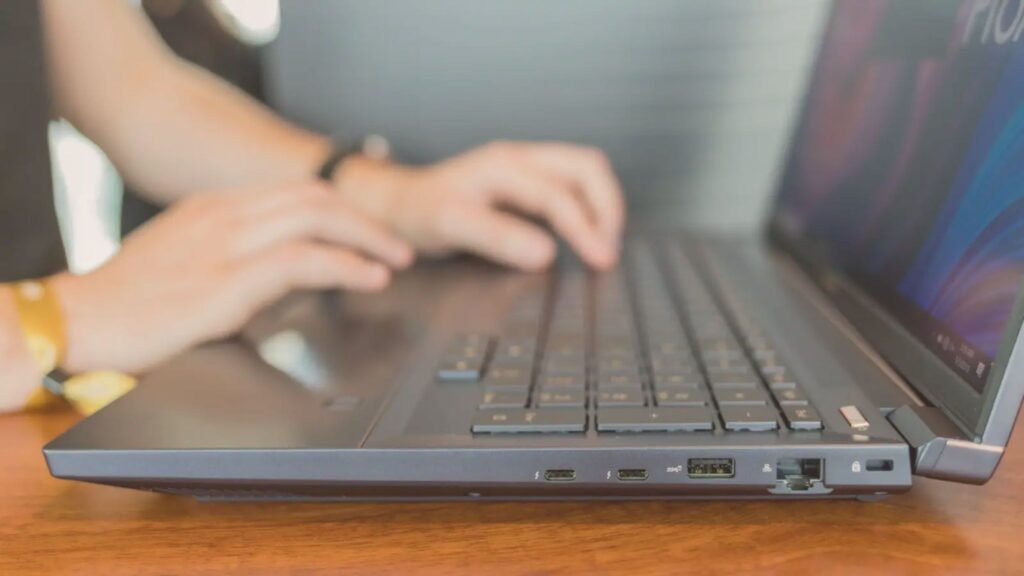
Before You Disable the Laptop Keyboard (Important Tips)
Before following any method on how to disable laptop keyboard, keep these points in mind:
- Always connect an external keyboard first
- Backup important data
- Use official system tools when possible
- Avoid unknown software downloads
Shops like B Tech Egypt often recommend software-based solutions before hardware replacement, especially for students and home users.
How to Disable Laptop Keyboard on Windows (Best Methods)
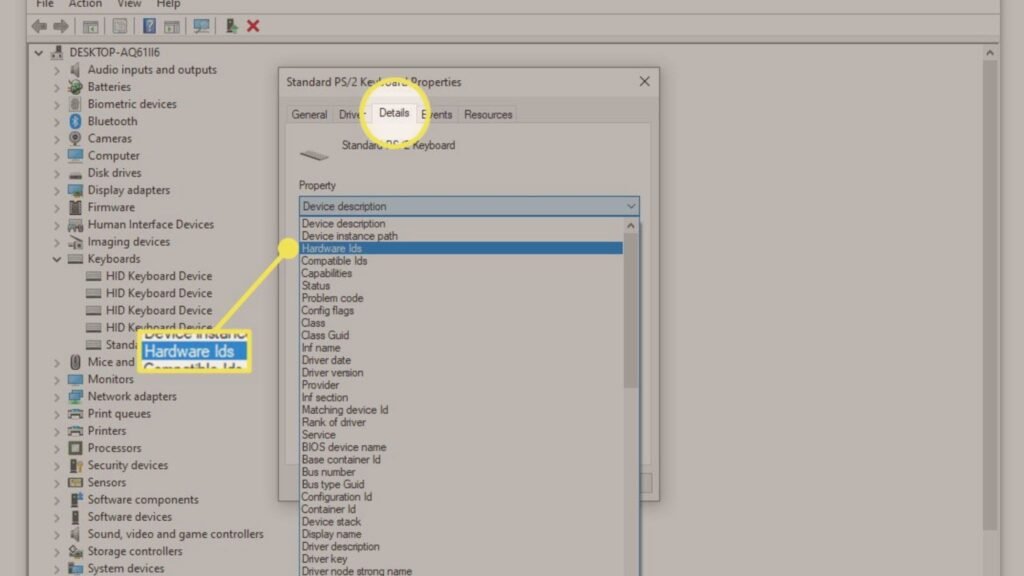
Method 1: Disable Laptop Keyboard Using Device Manager (Free)
This is the safest and most popular way to disable a laptop keyboard on Windows.
Steps:
- Press Windows + X
- Click Device Manager
- Expand Keyboards
- Right-click Standard PS/2 Keyboard
- Select Disable device
- Restart your laptop
This method works on most Dell, HP, Lenovo, and ASUS laptops sold in Egypt.
Cost: Free
External Keyboard Price: Around 350–700 EGP
Method 2: Uninstall Keyboard Driver (Temporary Solution)
If the disable option is missing, uninstalling the driver can help.
Steps:
- Open Device Manager
- Expand Keyboards
- Right-click the built-in keyboard
- Click Uninstall device
- Restart the laptop
Windows may reinstall the driver automatically, so this is a temporary fix.
Cost: Free
Method 3: Use Group Policy Editor (Windows Pro Only)
This method blocks driver reinstallation permanently.
Steps Overview:
- Open gpedit.msc
- Go to Device Installation Restrictions
- Block keyboard hardware IDs
This is recommended for advanced users or IT professionals.
Cost: Free
Recommended For: Offices, labs, shared laptops
How to Disable Laptop Keyboard on MacBook
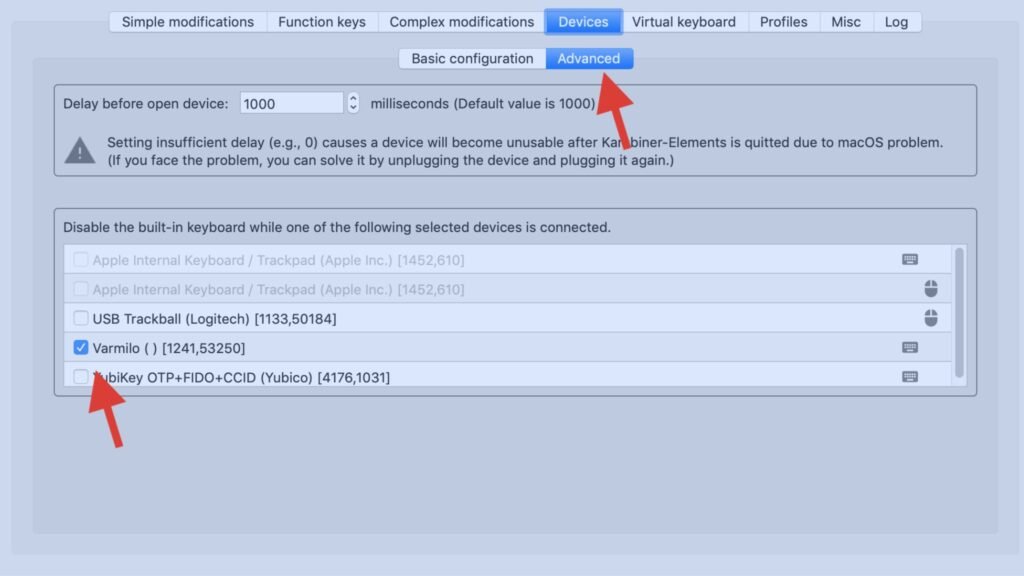
MacBooks do not allow full keyboard disabling through system settings, but there are workarounds.
Method 1: Use Third-Party Apps (Safe Options)
Some apps allow you to temporarily block keyboard input.
Estimated Cost:
Free to 500 EGP depending on the app
Method 2: External Keyboard Override
Using an external keyboard and closing the MacBook lid (clamshell mode) disables the internal keyboard.
External Keyboard Price in Egypt:
400–900 EGP
Apple users in Egypt often choose this option instead of hardware repair.
Hardware Disabling: Last Resort Option
If software solutions fail, hardware disconnection is possible but not recommended for beginners.
When to Choose Hardware Disable
- Severe liquid damage
- Keyboard types constantly
- Internal short circuit
Laptop Keyboard Replacement Cost in Egypt:
- Standard Laptop: 900–1,800 EGP
- Gaming Laptop: 2,000–3,500 EGP
Retailers like B Tech Egypt usually advise replacement only after software solutions fail.
Is It Safe to Disable Laptop Keyboards?
Yes, when done correctly.
Pros
- Prevents unwanted typing
- Saves repair costs
- Works well with external keyboards
Cons
- Requires external keyboard
- Some updates may re-enable it
For most users, learning how to disable laptop keyboard is a practical and safe solution.
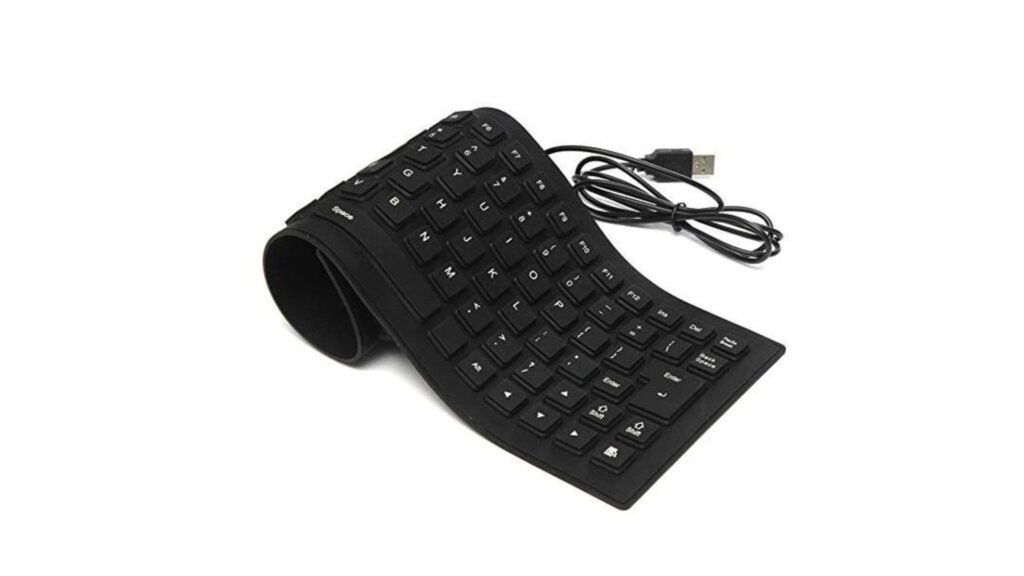
Best External Keyboards to Use in Egypt (Price Estimates)
| Type | Estimated Price |
| Basic USB Keyboard | 300–500 EGP |
| Wireless Keyboard | 600–1,000 EGP |
| Mechanical Keyboard | 1,200–3,000 EGP |
These are widely available at btech egypt stores nationwide.
Final Thoughts
Knowing how to disable laptop keyboard gives you control over a frustrating problem without rushing into expensive repairs. Whether you are using a Windows laptop or a MacBook, the methods shared here are practical, safe, and suitable for everyday users in Egypt.
Before replacing hardware, try disabling the keyboard and switching to an external one. It is often the fastest and most cost-effective solution.